FeatherweightSign up

Real-time collaboration for Ableton Live

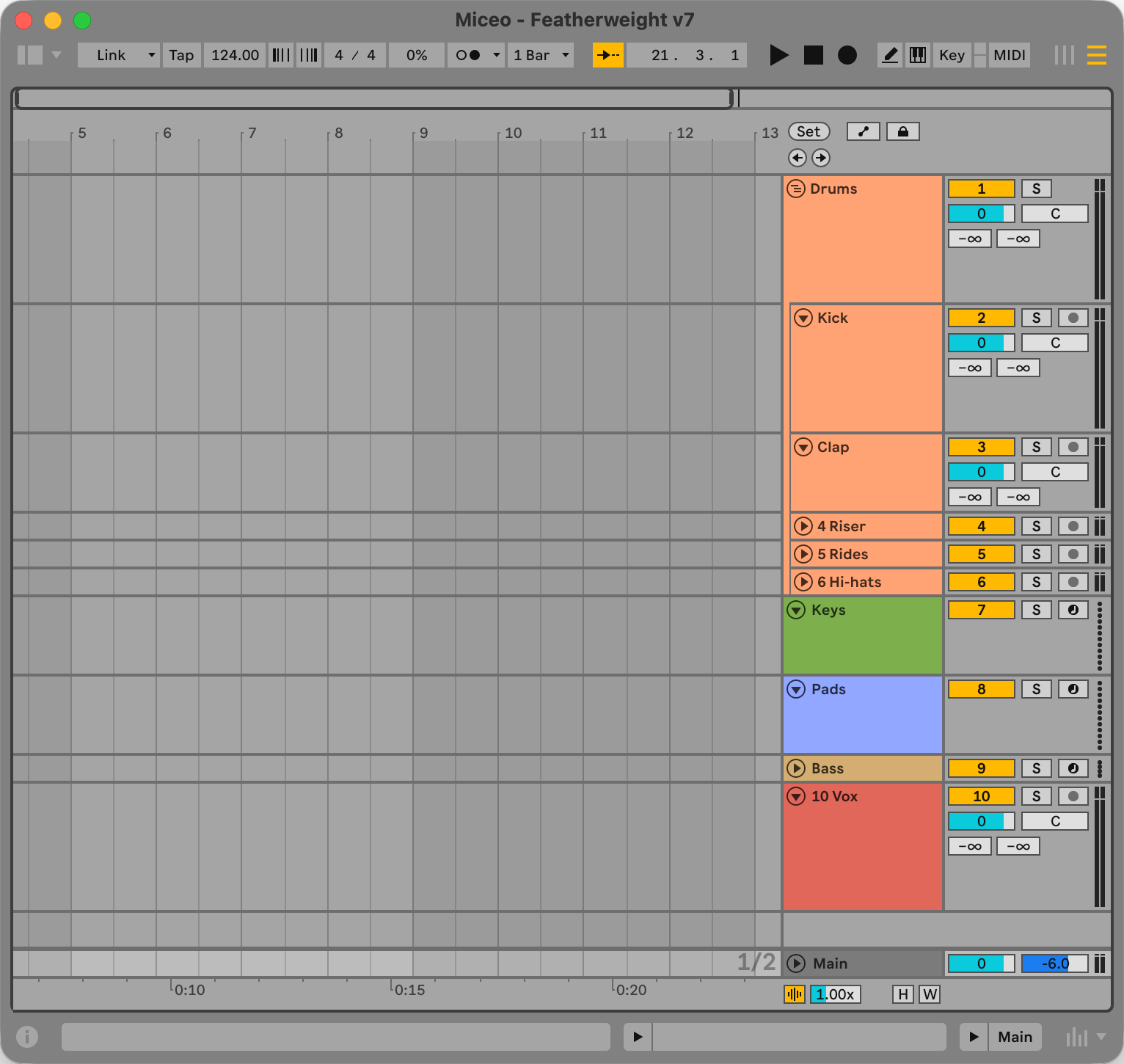
Work on the same song at the same time, each in your own Ableton Live.

How it works

  1. 1

    Create a room

    Open Featherweight, create a room and choose the Ableton project you want to work on.

  2. 2

    Invite your collaborators

    Send them the room’s share link. When they join, Featherweight copies the project to their computer and opens it in Ableton Live.

  3. 3

    Start producing together

    Everyone works in their own Ableton Live. Changes you make appear in your collaborators’ projects, and theirs appear in yours.

The first truly frictionless path to collaboration.

Everyone’s a driver.

While someone works on the intro, you can mix the drums. Everyone has full control in their own Ableton Live, free to produce without waiting for a turn or explaining it to someone holding the mouse.
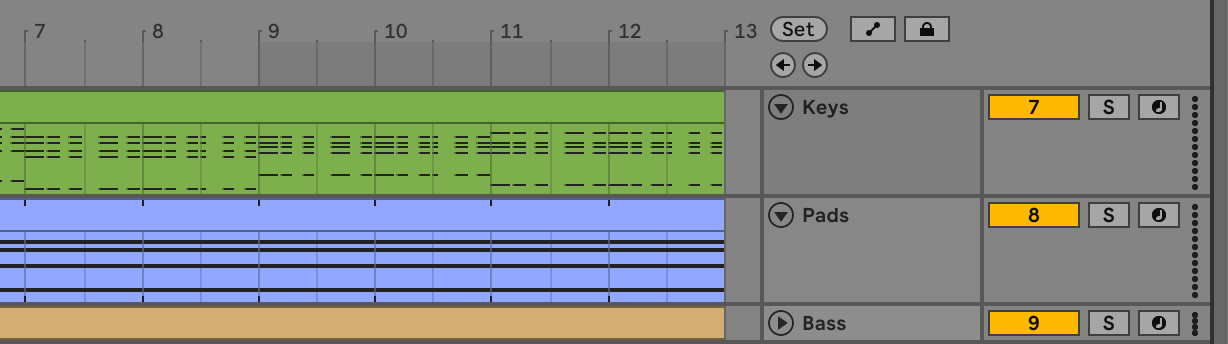

Work independently, together.

Play, stop and solo without interrupting your collaborators.

Lossless audio, straight from Ableton.

Everyone hears the project playing in their own Ableton Live. No audio-routing workarounds or compressed streams between you and the music.

Yes, even plug-ins.

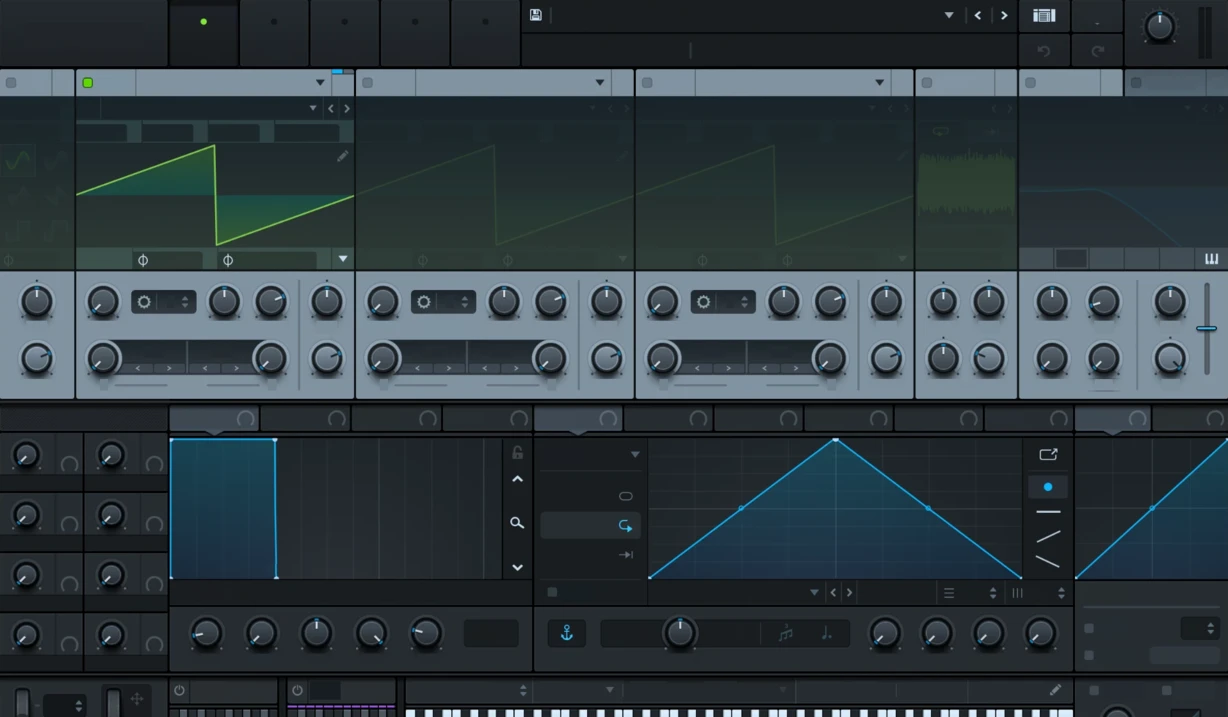
Turn a knob in a VST3 plug-in and it turns in your collaborators’ Live too. Featherweight copies the plug-in’s full state over the wire, so everyone hears the same sound.

Sign up for beta access

Sign up for beta access

Access by invitation.

Ableton Live 12 on macOS or Windows. Collaborators need compatible Live versions and the VST3 plugins used in the project.